Understanding subprime mortgages and strategic investment vehicles
John Bird and John Fortune explain what's being going on in the world of finance for the South Bank Show...
:-)
Many thanks to Hap for the linkQuentin Stafford-Fraser's blog
One should always have something sensational to read on the net...
John Bird and John Fortune explain what's being going on in the world of finance for the South Bank Show...
:-)
Many thanks to Hap for the linkIt had to happen eventually, but perhaps it really is beginning now... in Japan at least. PC sales are falling, according to this AP article.
I have always looked forward to living in a post-PC world.
The personal computer as we normally picture it has been such a successful model over the last quarter of a century that it has stifled quite a lot of innovation because many ideas, which might otherwise have exciting new tangible forms, are easier just to do on a PC. But as PCs become less of a focus, we should see new types of interaction becoming more common.
Mark Weiser's famous article, "The Computer for the 21st Century", talks about when core technologies become really powerful: when you don't notice them any more.
The most frequently-cited example of this - highlighted by Don Norman - is the electric motor. There was a time when you could buy a 'household electric motor' and a range of accessories which would allow you to use it as a blender one minute, and a vacuum cleaner the next. But you know electric motors have become really significant as a technology when you start thinking of a washing machine as a washing machine, and a drill as a drill, rather than as incarnations of an electric motor.
Perhaps that's what we're starting to see in Japan.
Millions download music directly to their mobiles, and many more use their handsets for online shopping and to play games. Digital cameras connect directly to printers and high-definition TVs for viewing photos, bypassing PCs altogether. Movies now download straight to TVs. More than 50 percent of Japanese send e-mail and browse the Internet from their mobile phones, according to a 2006 survey by the Ministry of Internal Affairs. The same survey found that 30 percent of people with e-mail on their phones used PC-based e-mail less, including 4 percent who said they had stopped sending e-mails from PCs completely.Now, to be fair, it's not clear that people are actually doing without traditional PCs, they just aren't upgrading their old ones very fast. But this is a start. One thing that characterises appliances like washing machines, at least for most of us, is that you replace them when you have to. You don't buy a new one so you can boast to your friends that this years' model has a higher-wattage motor. This is not the end of personal computing. It is not even the beginning of the end. But it is, perhaps, the end of the beginning. What fun!
In a wild burst of enthusiasm, I updated our other two Macs to Leopard yesterday.
These were both upgrades rather than clean installs, and I did fall foul of another glitch which can affect upgrades. It's easy to fix once you know what's happening, but ironically it manifests itself as an unresponsive "blue screen", which appears when the system first boots after the OS installation and so can be a little worrying!
The issue is a third-party subsystem called 'Application Enhancer' ('APE') which you may never knowingly have installed but which is distributed as part of a few popular utilities and so may be on your system. It doesn't work under Leopard, which is fine, but unfortunately, early versions of APE will cause the Leopard login window to crash. If you do an Upgrade installation of Leopard, which doesn't remove such things from your system, you never get a chance to log in to your shiny new OS!
Some argue that this isn't really Apple's fault, because APE puts hooks into the OS in ways that weren't really intended, and is installed, like the Abomination of Desolation, in a place where it ought not to be. On the other hand, APE's creator, Unsanity, point out that you have to be using a pretty elderly version of their library for this to be an issue.
Fortunately, there are various easy ways to make sure this doesn't happen to you:
/System/Library/SystemConfiguration/ApplicationEnhancer.bundle(that's the important one)
/Library/Frameworks/ApplicationEnhancer.framework
/Library/PreferencePanes/Application\ Enhancer.prefpane
/Library/Preferences/com.unsanity.ape.plist
This is my first post from my Macbook Pro running under Leopard. So far everything is going swimmingly and I'm enjoying it a lot. As others have said, most of the improvements are under the hood, but in general I like the new stuff that is visible, and everything feels just that bit snappier. How much this is due to Leopard, and how much to the removal of a few years' miscellaneous junk from my hard disk is hard to say, but it's very nice.
I did a clean 'Erase and install', having first made a couple of clones of my disk using SuperDuper. I then used the migration assistant to copy all my docs and settings back from the clone, but I didn't copy all the applications; I wanted to thin those out. The ones I wanted I've either re-installed from their original media or copied over by hand.
A couple of tips:


Around the CamVine/Ndiyo office yesterday.
John Gruber has exactly the right prescription:
This is how I've done the last few upgrades, but when my copy of Leopard arrives next week I think I may do a clean install. I haven't done one for many years, and there's probably lots of accumulated sediment... I could do with a spring clean. I'm only really doing this because I'd like to stop running my machine with its disk 98% full! I regularly use OmniDiskSweeper to find and remove major space-hogs - video podcasts that I watched long ago and forgot to delete, for example. And I long ago moved most of my photos and videos to external drives. But now I suspect it's the thousands of smaller files - logs from utilities I tried under 10.3 and such - that make a significant contribution... We'll see... 100GB ain't what it used to be...
- Do a complete backup clone to an external FireWire drive.
- Test that the backup is indeed bootable and up to date.
- Unplug the backup drive.
- Boot from the installer DVD and perform a default upgrade.
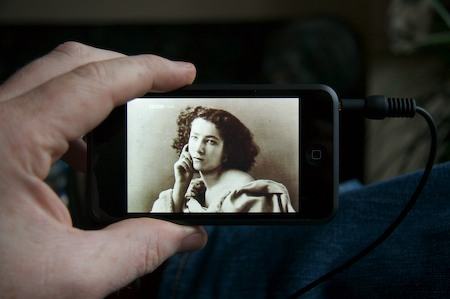
Here's a story about miracles. Lots of them. Technological ones.
BBC4 last week aired the first episode of a series called The Genius of Photography. It was excellent and I would have missed it completely, but just as it was beginning, John, knowing that I have an EyeTV setup, sent me a text asking if I could record it.
I was working on my laptop downstairs when my phone chirped the message's incoming arrival. I glanced at the time and saw that the show was just beginning so, with a couple of keystrokes, made a VNC connection to the Mac Mini on the top floor - all wireless, of course - and saw that the opening credits were just beginning. I clicked record on EyeTV, then went back to work.
It occurred to me that it might be fun to watch it on my new iPod Touch, so later that night I clicked on EyeTV's convenient 'export for iPod' button before going to bed.
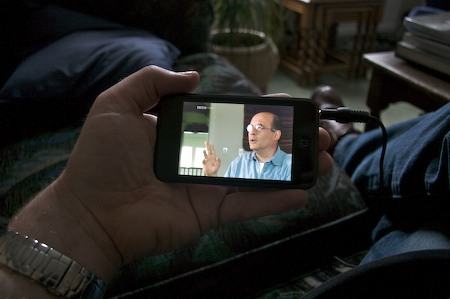
This afternoon, I slipped into my most comfortable pair of headphones and curled up on the sofa in front of the fire to watch the first episode, which was titled 'Fixing the Shadows', about the earliest days of photography.
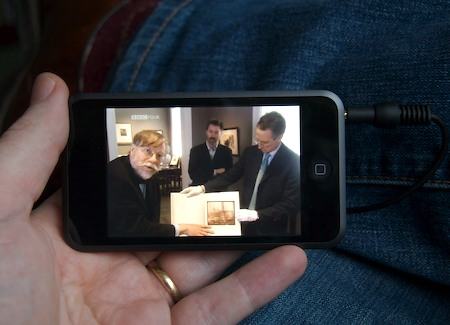
It was most engaging, beautifully produced, and the gorgeous iPod screen was a joy to watch.
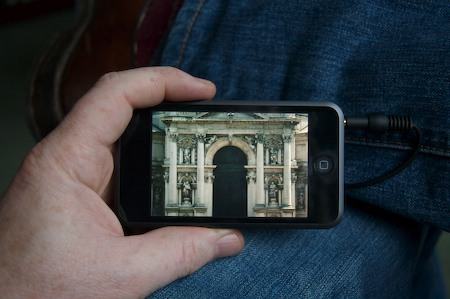
And as if this wasn't compelling enough, it began to dawn on me just what I was doing...
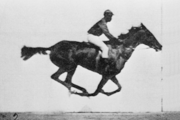
Here I was, looking at a horse going around a track in Palo Alto. Except I wasn't really, I was looking at some of Eadweard Muybridge's famous 1878 photos of such a horse (taken, incidentally, to satisfy the curiosity of the horse's owner - a chap named Stanford. His racecourse is used for something else now!)
Mind you, I was really being shown these photos by somebody pointing a TV camera at them somewhere. Of course, I wasn't seeing what came out of the TV camera. Oh no. That had been recorded, and edited, and stored, and encoded, and transmitted, and received, and stored, and decoded, and re-encoded, and transmitted and stored again, and synced to my iPod, and decoded again, with the net result that I could see it glowing on a little LCD screen I had just taken out of my shirt pocket.
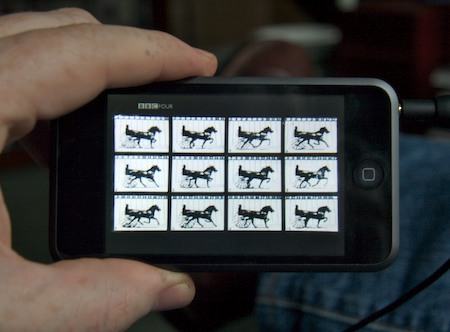
Of course, that's an abbreviated summary of what happened, and it's just the start. Think about how many further processes the images went through so that you could see them on your screen now!
I boggled at all of this for a moment.
Then I tapped the screen and went back to learning just how hard it had been for Daguerre, Fox Talbot et al to capture any kind of images which would persist rather than fading after a few seconds. And how they had changed the world when they eventually did so.
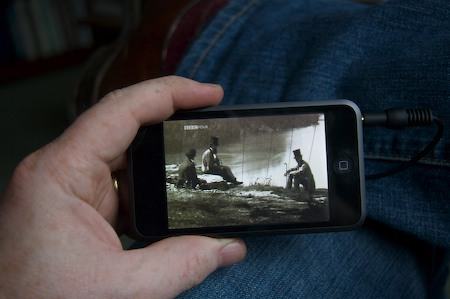
Ancient history? No.
That was about one and a half lifetimes ago.
A reminder, in case it happens to be relevant to you, that summer daylight-savings time ends in the UK this coming weekend... and in the US the following weekend.
So next week the time difference between us will be one hour less than usual.
More info here.
A very generous friend today gave me an iPod Touch. It is, perhaps, the most beautiful bit of technology I've ever owned.
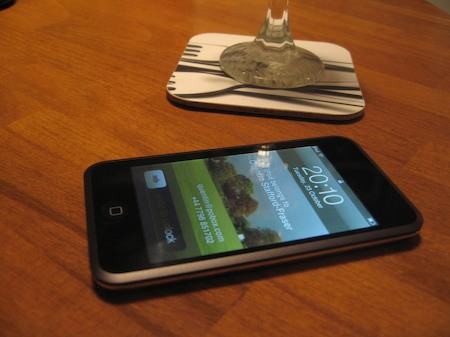
It's not the most powerful, or full-featured, or exciting, necessarily. But as an example of design it is amazing. In particular, it doesn't have many of the features of an iPhone, with which I've also played. But it's also significantly thinner, which is hard to convey in photographs: lying on my kitchen table it was about the same thickness as the coaster on which my wine glass sat. You can just about see how they fit a screen, backlight and touch sensor in that space. So where's the battery?
Almost every aspect of this seems to be very nicely thought out, and I'm very impressed. Who would have thought, a decade ago, that Unix machines could look like this?