Elliptical Staircase

Quentin Stafford-Fraser's blog
One should always have something sensational to read on the net...

Tall trees and cheerfully-coloured buildings at Peter Symonds college in Winchester.
My brother Simon, briefly homeless between moving out of his old house and moving into his new one, borrowed my iPad Mini to check some email while waiting in the street outside. (Recommendation: I manage most of our family's email now through Fastmail, who have a very nice webmail system as well as standard IMAP - very useful if borrowing someone else's machine.)
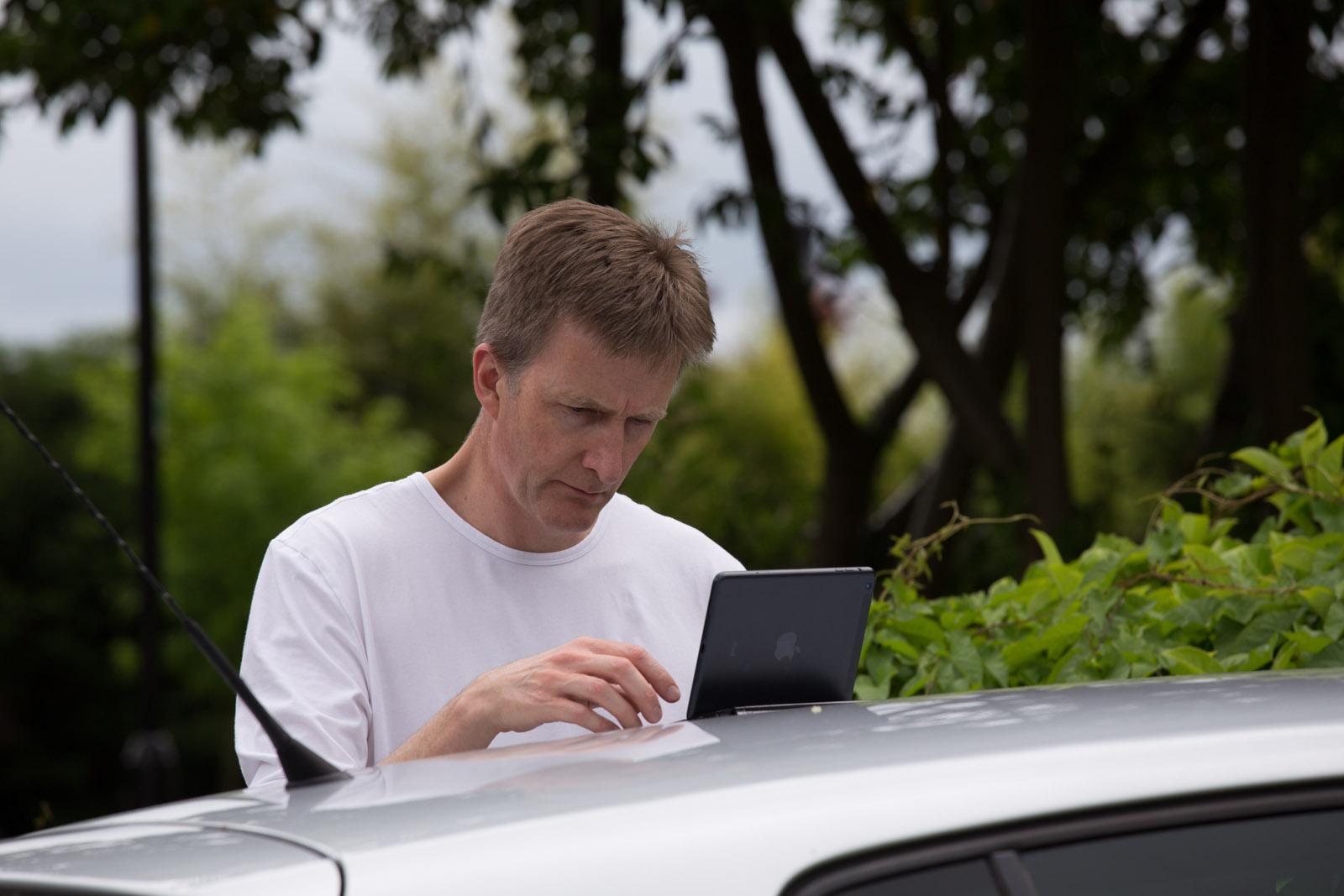
Anyway, I use one of those Logitech Bluetooth keyboards that form a cover for the iPad when closed and a stand while in use. But when Simon had finished, we discovered another previously-unknown feature: the magnets in the hinges which attach it to the iPad, also attach it nice and firmly to the roof of a VW Golf! Actually quite handy...
I've spent the last couple of days in Winchester, helping my brother & his family move house. All went well in the end, but we really need to fix the archaic English system of money transfers that happen on the day.
For those unfamiliar with the process, it usually involves the first solicitor in the chain pressing a button on some system which transfers the purchaser's money to the vendor's account, and unless there are cash buyers in the chain of purchases, this proceeds from solicitor to solicitor during the course of the day. When confirmation of each transfer is received, the estate agent hands over the keys.
In our case, five family members plus two removal men and a very large truck were waiting outside the house for a couple of hours until one solicitor came back from lunch, only then to discover that another solicitor had pressed the wrong button at 8.45 that morning so nothing had transferred. But nobody had informed anyone...
A similar confusion then happened later in the day to our vendors when they arrived at their new house... they had the keys, their belongings were being unloaded onto the front lawn, and the estate agent then screeched up in the car and tried to take the keys back because someone had misread the confirmation about their transfer and it hadn't actually gone through.
I suspect other countries have this sorted out in a much better way which takes the unreliable lawyers out of the loop. Not least Scotland. They're canny that way...
As I hope everybody knows, Google Reader will close down on Monday.
This means that something like half of you lovely Status-Q readers have just a few days in which to make alternative arrangements, or you'll find your supply of Status-Q posts, and indeed those from any other blog or similar feed, will suddenly go very quiet next week.
So, assuming you'd like to keep having sensational new content delivered to you regularly without having to keep visiting all those web sites by hand, what can you do?
Well, one option is to find another RSS reader. (RSS is a machine-readable format that websites can make available, saying which articles have been published recently and when.) There are lots of good RSS-reading programs out there, for every platform - things like Reeder, Flipboard, NetNewsWire... to name just three - and all you need to do is open your favourite one and tell it that you'd like to subscribe directly to:
http://www.statusq.org/feed/
and you're away. If it's a clever app, you may just be able to say 'statusq.org' and it'll work the rest out for itself.
This is great if you have just one or two places in which you read all of your news. But the reason Google Reader was popular was that you could access it on multiple devices and from various apps, and it would remember which feeds you had subscribed to and which articles you had read, and keep them all in sync so you didn't need to duplicate things everywhere. If you want that functionality now, you need to pick one of the alternative services that are springing up to take Reader's place.
There's an episode of the Mac Power Users podcast which looks into some of the alternatives (and will be relevant for non-Mac-users too). A quick summary is that the ones they liked most were probably Feed Wrangler and Feedbin but there are alternatives like Feedly discussed too. Which one works best for you will depend largely on whether you have a favourite feed-reading app which needs to support it, or whether you prefer to use a web interface. Many of these services have a direct 'Import my feeds from Google Reader' button to make life easy for you.
Here's the bad news - most of them cost money. But it's generally a very small amount, and by having lots of good stuff to read, you'll probably save that much on iPhone apps you might otherwise be tempted to buy and then forget. And remember, you won't be giving all that data about your personal interests to Google any more...
I don't tend to post here very frequently, so I automatically send out a message on the social networks with each new post. If you don't already, why not follow me on Twitter, on App.net or on Facebook? That's a good way to track other authors as well, but you'll only see posts as they whizz past in the stream - it's harder to find quality material to enjoy in a more contemplative fashion over coffee on a Sunday morning... so you may want to do the RSS thing as well.
Or perhaps you prefer such material in your email inbox...?
If you don't know If This Then That, it's a service where you can set up rules ('recipes') to do all sorts of clever things like "If I'm tagged in an image on Facebook, save it to my Dropbox folder".
You can also connect to RSS feeds like this one and have it take action when there's something new posted. If you have an IFTTT account, it's really easy: here's a recipe that will email you any new Status-Q posts.
Anyway, that's a few ideas to get you started. Feel free to post other ideas for post-Reader alternatives in the comments.
But the important thing is to take action now...

Dramatic clouds above the Isle of Man tonight. And very windy outside. If I wake up in Oz I'll let you know...
I don't think we're in Douglas any more, Toto...
Here's a nice quote from Henri Cartier-Bresson:
Your first 10,000 photographs are your worst.
Now, what I find sobering about that comment is that he wasn't shooting digital.
I wonder what the modern equivalent is?
And, since the mechanics (though not the skill) of taking photos has become so much easier, should the metric be applied to another part of the process...?
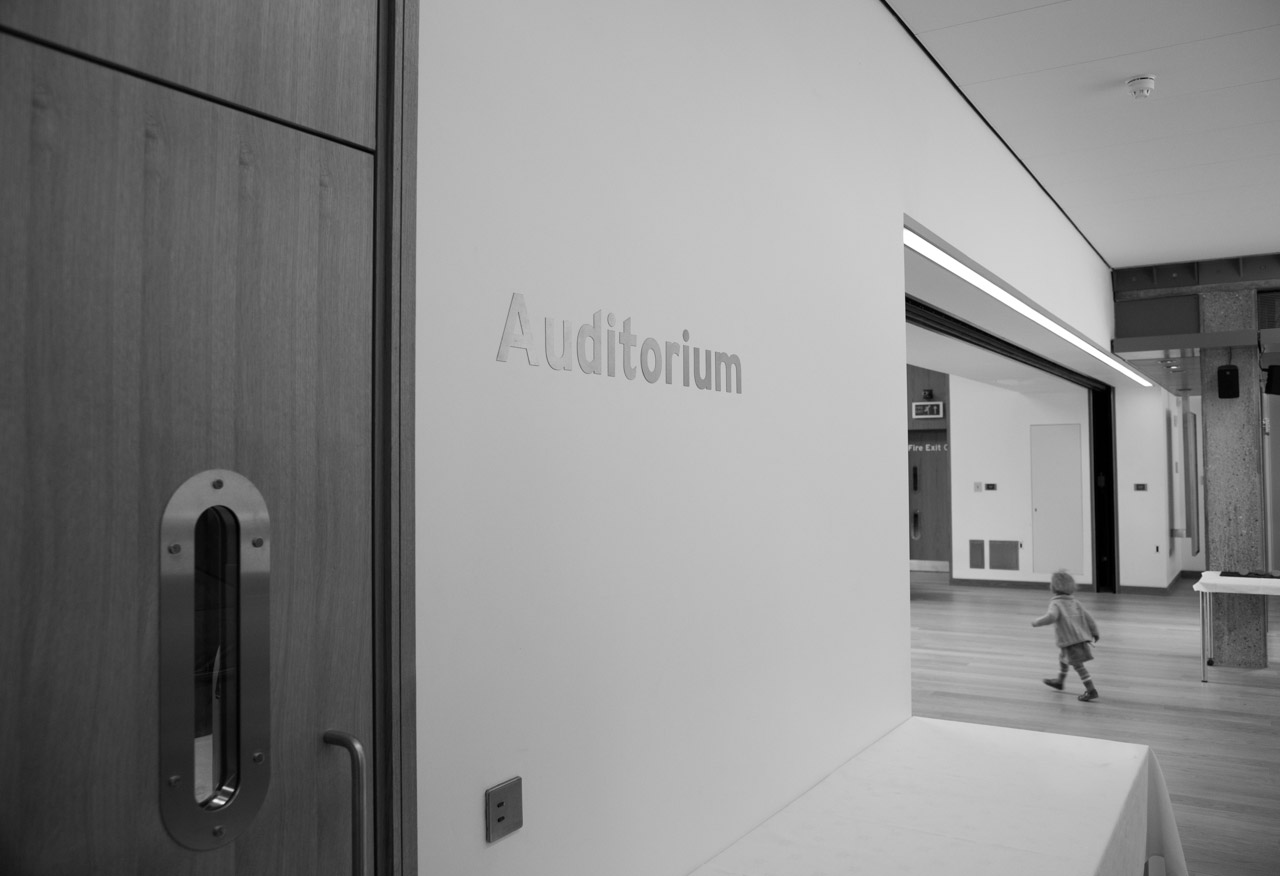
We were amongst the visitors to the splendid new McGrath Centre at St Catharine’s College today.
This is, I believe, from Michael Hartung of IBM:
Hardware eventually fails. Software eventually works.
Had fun with some high-speed shots of Tilly chasing her ball on the college hockey pitch this morning.
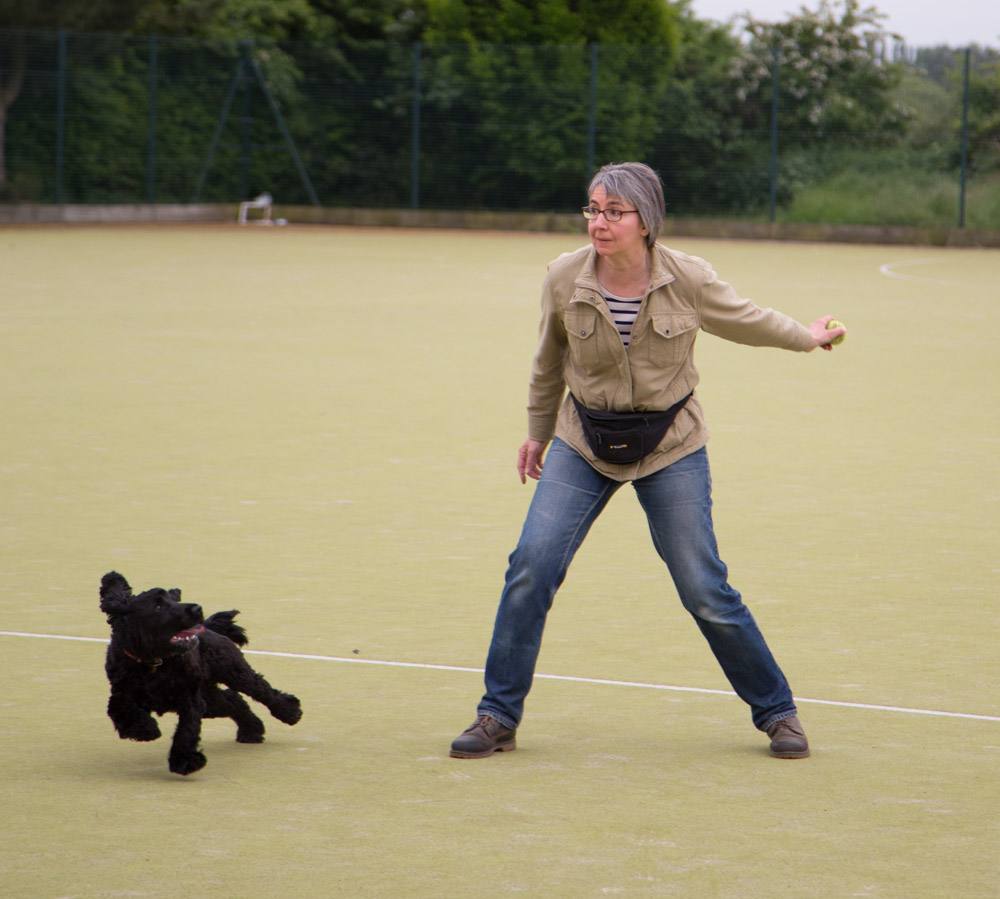
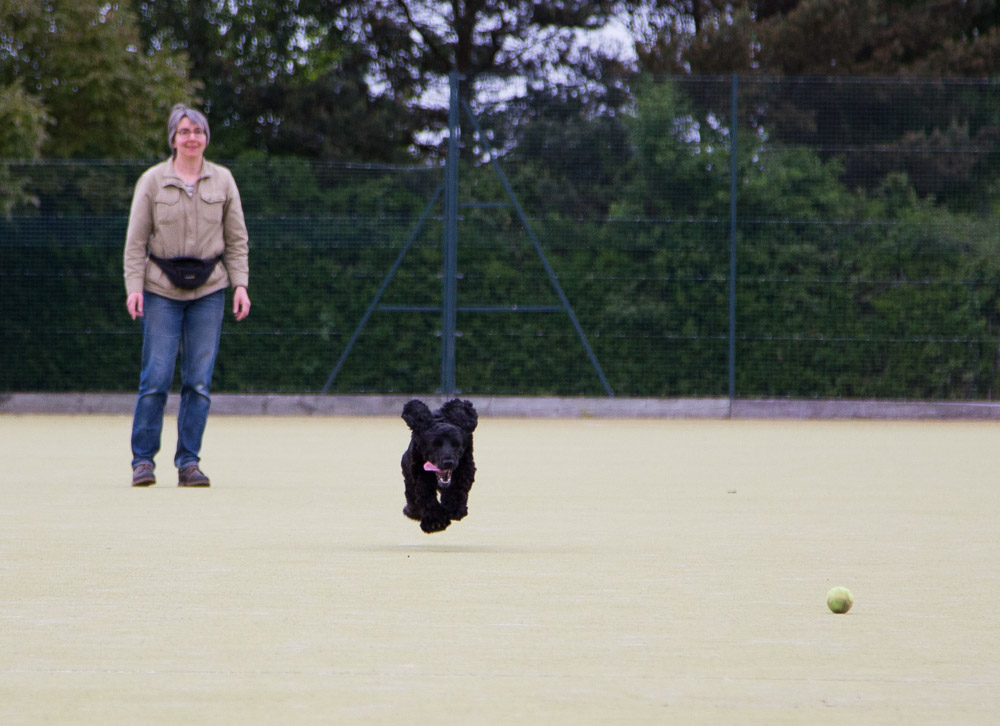
You can click here to see a few more.
Tilly still had energy left afterwards to do her meerkat impression, though…