There was a period of a few years when I played quite extensively with VOIP, which for the uninitiated, stands for Voice-Over-Internet-Protocols, sometimes called ‘IP Telephony’. This isn’t about Zoom and Skype and FaceTime, but about traditional phone calls: the things your parents used to make (and maybe still do), often using devices attached to the wall with wires!

It all seems very obvious now, but there was a point between about 20 and 10 years ago when the typical office phone changed from being an audio device plugged into a landline-style connection with analogue voltages talking to a phone exchange, to being something digital that plugged into the ethernet and had an IP address. Telephone calls, hitherto controlled by large national monopolies with expensive proprietary equipment and hideously complex signalling protocols, started to become something ordinary users could manage with their own software, even Open Source software.
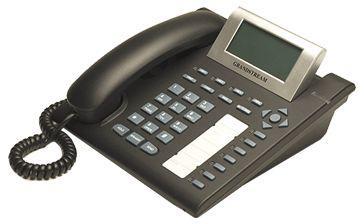
Companies that had previously paid vast sums of money to buy or lease a PBX (the ‘Private Branch Exchange’ that gave you internal phone numbers and routed calls to and from external numbers), could now just install software on a cheap PC and route calls to phone handsets over the local network. If you also routed calls over the wider internet, limitations of most broadband connections meant that the quality and reliability left something to be desired, but, as one perceptive observer commented at the time, “The great thing about mobile networks is that they have lowered people’s expectations of telephony to the point where VOIP is a viable solution.”
Phone Phun
And what you could do in an office, you could also do at home, just for fun. I loved this stuff, because in my youth telephony had embodied the quintessence of big faceless corporations: you paid them, they told you what you could and couldn’t do with the socket in your wall, you lived with the one phone number they decided to give you, and could only plug in the equipment that they approved. Any variations on this theme rapidly became very expensive.
With VOIP, however, you could now get multiple phone numbers in your own house and configure how they were handled yourself. I had one number that was registered in Seattle (because I was doing lots of work there), but it rang a phone in my home office in Cambridge — the same one that also had one Cambridge number and one London one — with the calls routed halfway around the world over the internet, basically for free. All of a sudden, you could do things that the Post Office, BT, AT&T, or whoever, would never have let you do in the past. It was fun!
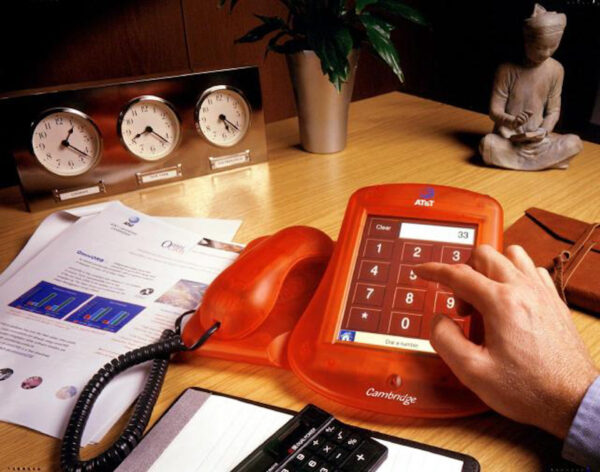
Part of my interest came from the clear parallels between how phone calls were handled in this new world, and the way HTTP requests were handled on the web. I first got involved in telephony with the AT&T Broadband Phone project back in 1999, when my friends and I had to write our own telephony stack based on the new SIP protocol, and build our own custom hardware to connect our SIP network to real-world phone lines.
But, as with the early days of the web, Open Source servers soon emerged so you didn’t have to write your own! The Asterisk and, a little later, FreeSwitch packages were very much analogous to Apache and Nginx in the web world. Calls came in, and you decided what to do with them using a set of configuration rules similar to those that might determine what page or image to return for a particular URL. Voice prompts and keypad button presses were a bit like forms and submit buttons on web pages… and so on.
Anyway, there were a couple of quick hacks that I put together at the time which turned out to be rather useful, so if you’re still with me after the history lesson above, I’ll describe them.
The Christmas Call Diary
We were a young startup company, with about half-a-dozen employees, operating primarily out of a garden shed in Cambridge. But we had sold products to real customers who expected a decent level of support. As Christmas approached, we realised that the office was going to be empty for about a fortnight, and started to wonder what would happen if anybody had technical support issues and needed urgent help.
So I set up a shared Google calendar, and asked everyone to volunteer to be available for particular periods of time over the holiday, just in case any customers called; a possibility that was, we hoped, pretty unlikely, but it would improve our reputation no end if somebody did answer. All we had to do was put entries in the calendar that contained our mobile or home number during times when we didn’t mind being disturbed. People valiantly signed up.
We were running a VOIP exchange on an old Dell PC, and I wrote a script to handle incoming calls, which worked like this:
- When a call comes in, ring all the phones in the office for a short while.
- If nobody picks up, then look at the special Google Calendar to see if there’s a current entry, and if its contents look like a phone number. If so, then divert the call to that number.
- If it isn’t answered after a short while, send the caller to our voicemail system, and email the resulting message to all of us.
In the end, I don’t think anybody did call, but the script worked as intended, and allowed us to have a more worry-free Christmas break, which was perhaps its most important achievement!
MeetingBuster
Back in 2006, I registered the domain MeetingBuster.com, and thanks to the wonderful Internet Archive, I can see once again what the front page looked like, which neatly explains its purpose (click if you need a larger image):
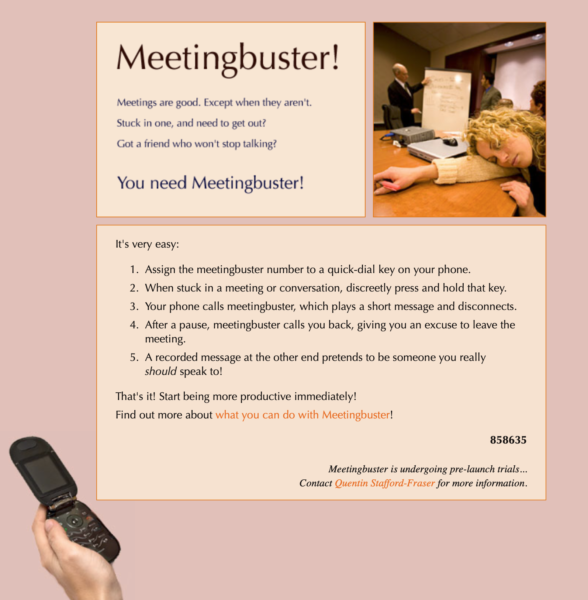
A later update allowed you to call MeetingBuster and press a number key within 10 seconds, and your callback would then happen that many tens of minutes later, so pressing ‘3’ just before going into a meeting would give you an option to escape from it after half an hour. (Remember this was all well before the iPhone was released, so all such interactions had to be based on DTMF tones.)
Anyway, Meetingbuster was just for fun, and there are probably better ways to escape from today’s virtual meetings. But if/when we go back to face-to-face meetings again, and you need an excuse to say, “Oh, I’m sorry, I really ought to answer that; do you mind?”, then let me know and perhaps I can revive it!


 Anyway, I sometimes get wheeled out as a suitable relic to display from this era, and I had an email yesterday from BBC Radio Cambridgeshire asking if I was willing to be on the Louise Hulland show first thing this morning. I said yes, and they were going to contact me with further details… but I heard nothing more, so presumed it wasn’t going ahead. Until, that is, I emerged from my shower this morning, draped in my dressing gown but dripping slightly, to hear my phone ringing… and answered it only to be dropped into a live interview. However much I like networked video, there are times when audio really is the best medium! Anyway, it’s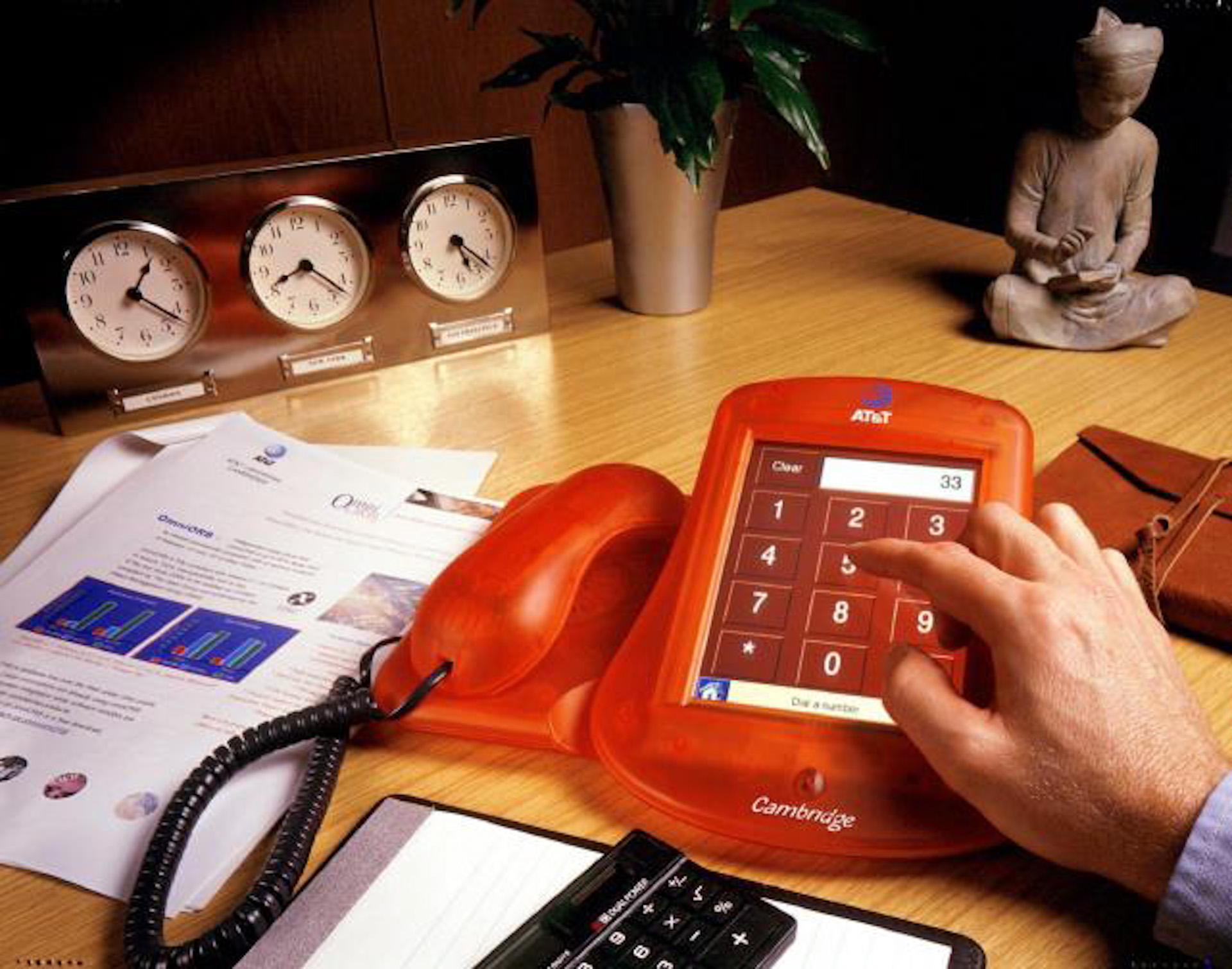





 RSS feed
Recent Comments